Overview
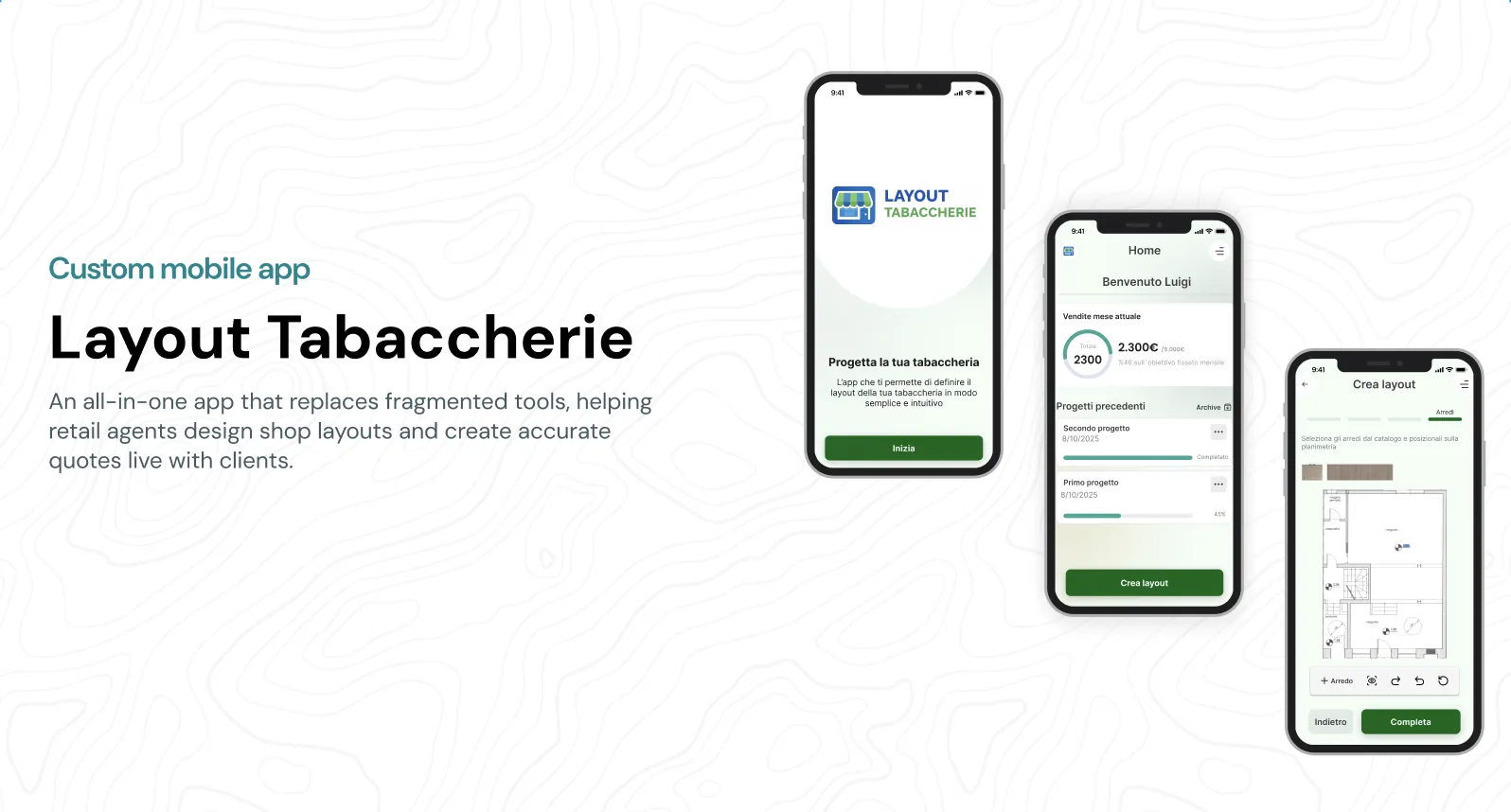
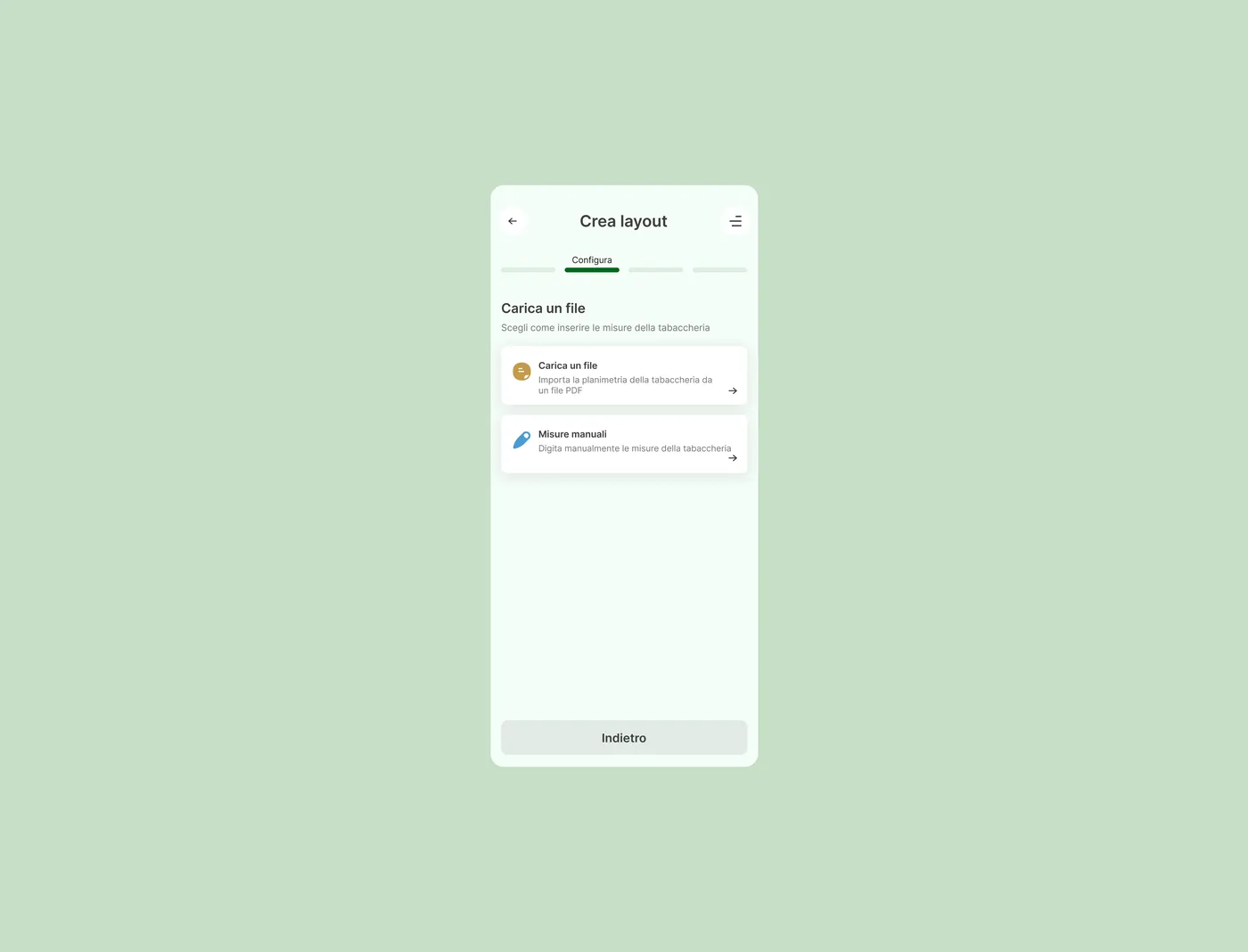
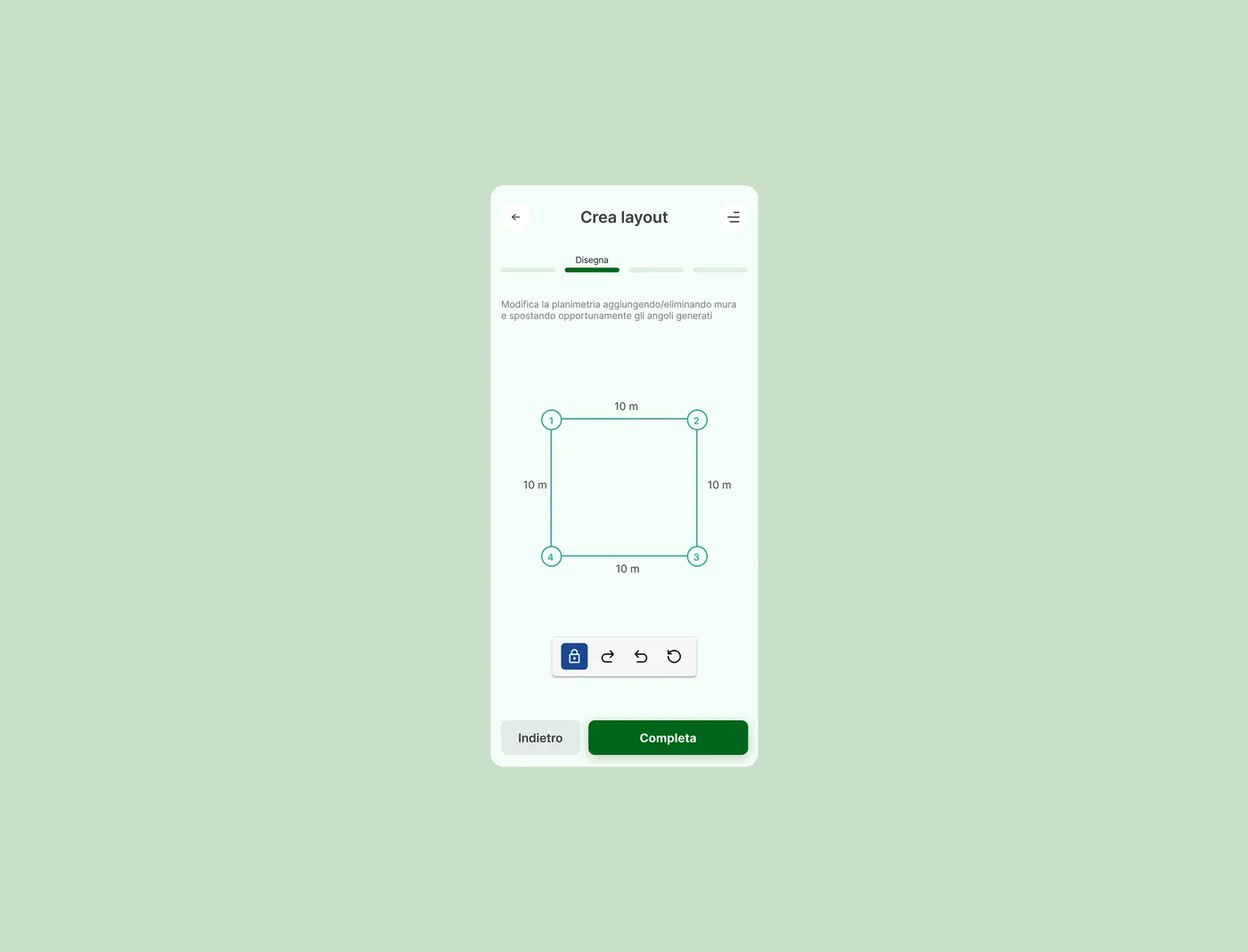
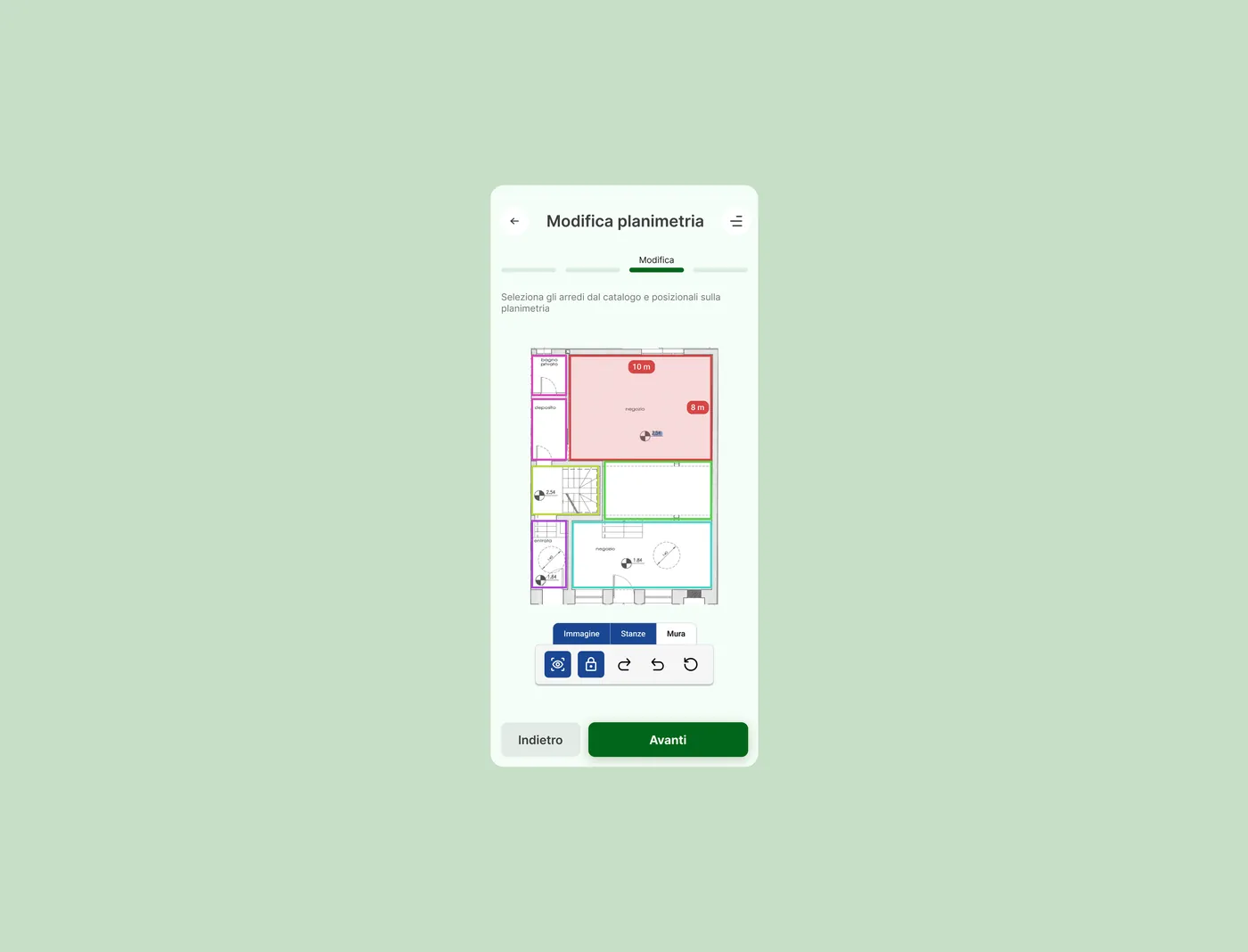
I worked with a software house on a confidential B2B app, covering UX, interaction and UI. I defined flows, interface logic and visual hierarchy for an app that lets retail shop agents configure standard layouts, place furnishings on a plan and get a quotation in real time, while they are still talking to the client.
The problem
How do you quote a shop while the owner watches you flip through paper layouts, static catalogues and spreadsheets? Slowly, and with mistakes. The process was hard to explain in person and easy to get wrong. Agents needed one app to configure layouts, avoid errors and stay clear during a live conversation.
Process
Inception
Context
It started by watching how retail agents work on site, in small and medium shops. Consultations happen under time pressure, with little tolerance for mistakes and no room to juggle tools.
Goals
Make quotations simpler and faster, cut layout and pricing errors, improve the conversation with clients and support a workflow that is structured but flexible
Discover
Research
I joined contextual interviews with retail agents about daily workflows, decisions and pain points, then analysed the existing quotation process and reviewed similar B2B configurators
Findings
- Agents think visually and spatially, not in product codes or lists
- They rely on experience to avoid incompatible configurations
- Speed and clarity matter more than advanced customization
- Friction in a consultation hurts trust and perceived professionalism
Journey
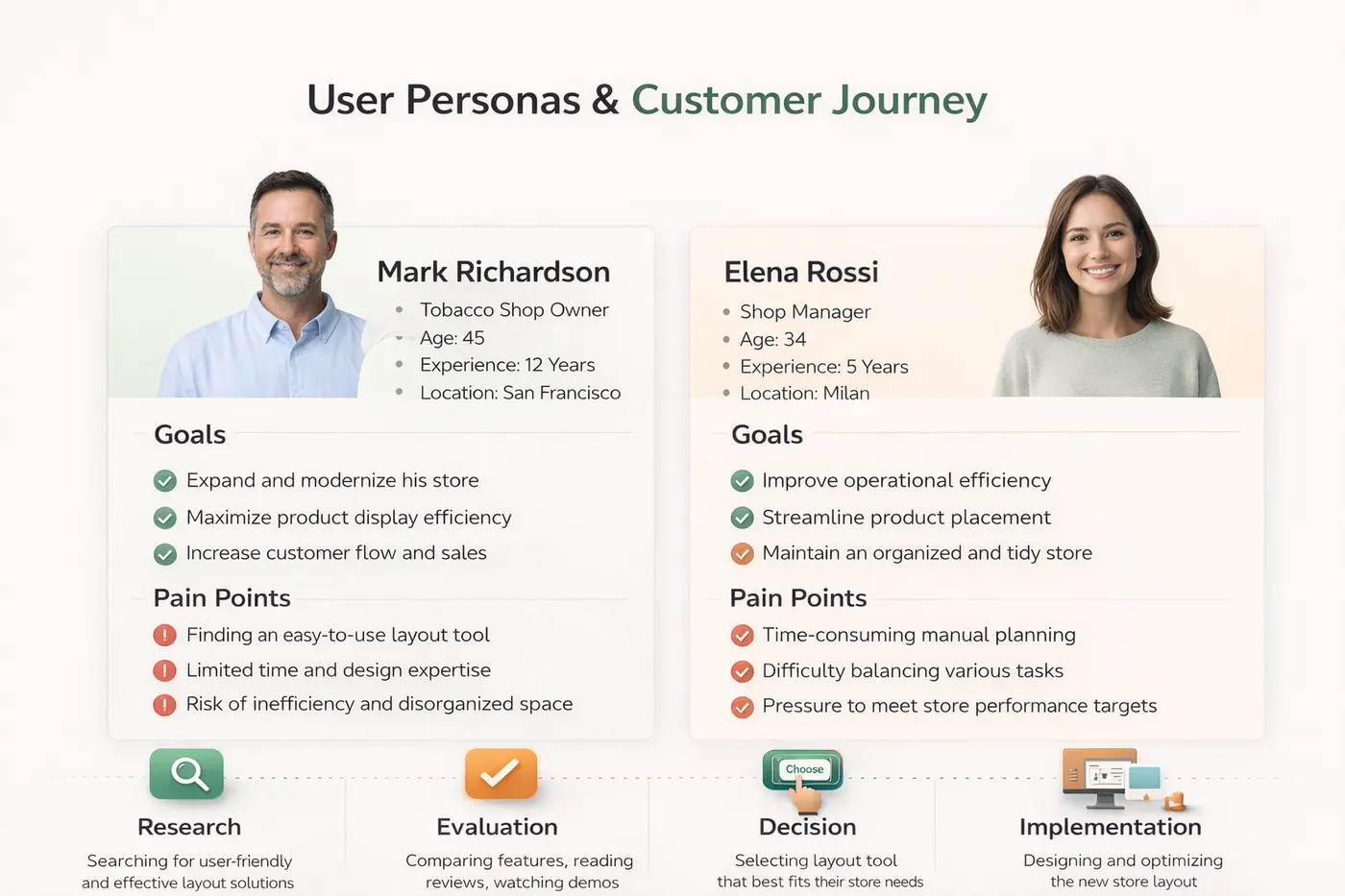
A sales agent with several consultations a day: build a valid layout fast, adjust options with the client, show a clear quotation without breaking the conversation
Design
Approach
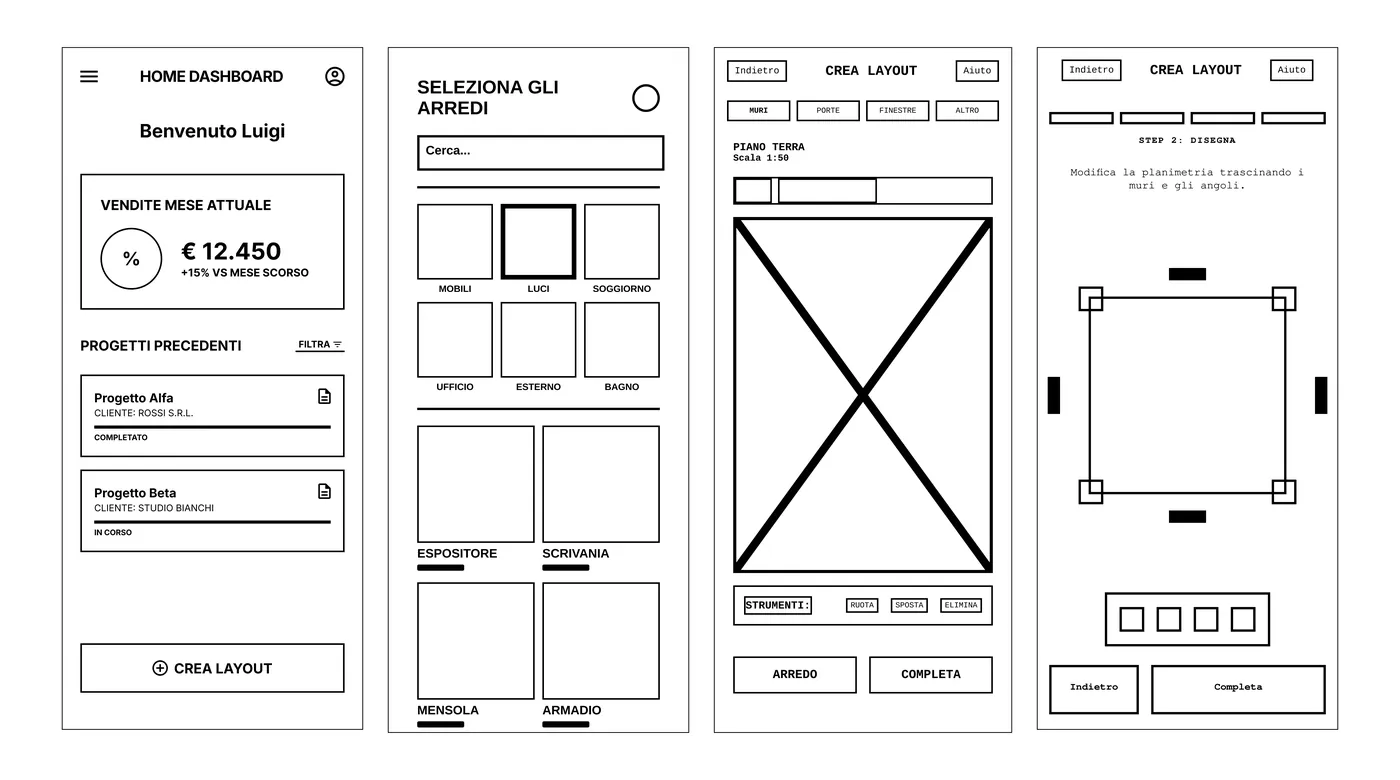
- An app first experience for short interactions and low cognitive load
- Visual layout configuration with immediate feedback on compatibility and pricing
- Error prevention, clear hierarchy and fast system feedback
Test
Methods
Internal reviews and task based sessions with retail agents on interactive prototypes, focused on layout accuracy, time to quotation and clarity of the result
Insights
- Users expected the system to prevent invalid configurations, not flag them afterwards
- Visual feedback beat text heavy explanations
- One clear quotation summary was essential for explaining decisions to clients
Develop
Specs
Figma for reusable components, interaction states and documented layout constraints. I shared specs with developers to align on pricing logic, edge cases and UI behaviour.
Measure
Metrics
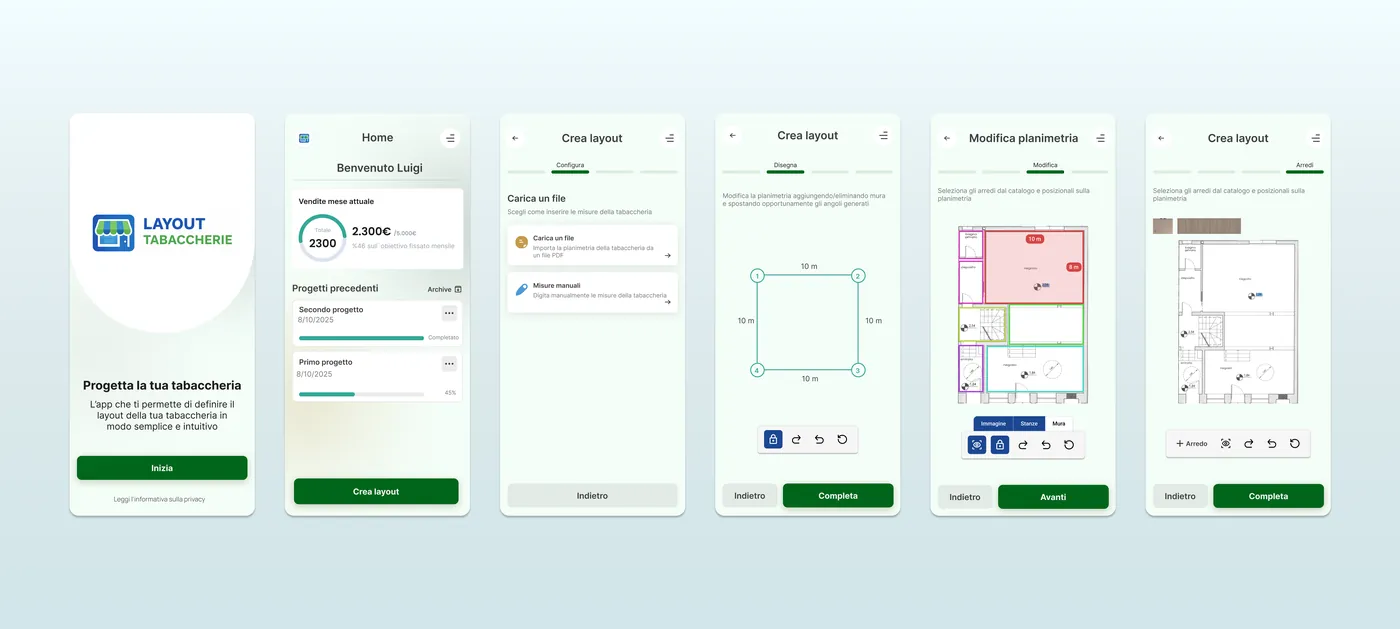
Shorter quotation time, fewer configuration errors, more confidence with clients. Agents told us consultations felt smoother and communication clearer.
Gallery
Outcome
Agents now prepare quotations faster, with fewer errors, and walk into a client meeting with more confidence. Less paper, less guessing.
Learnings
Working with a software house meant that talking clearly with developers mattered as much as the design itself. I learned to balance the ideal UX against technical and business limits, and to choose clarity and reliability over piling up features.